Academic History Section

Academic History Section

The Eminent Law Theme includes an Academic History section, perfect for showcasing the educational achievements of your attorneys. This section allows you to present a chronological list of universities and the years your attorneys graduated, giving a clear overview of their academic backgrounds.

Steps to Add the Academic History Section:

1. Add the Custom Academic History Block and Enter Content:

  • From the WordPress dashboard, go to ‘Pages‘ and select the page where you want to add the Academic History section or click ‘Add New‘ to create a new page.
  • In the page editor, click the ‘+‘ icon to add a new block, search for the “Academic History” block, and select it.
  • Enter the top heading and main heading to provide a title and context for the section.

2. Add Education Passing Year List:

Inside the Education Passing Year List, you can add the following details for each entry:
  • Year: The year the attorney graduated or completed their education.
  • University: The name of the university or educational institution where the attorney studied.

3. Set Background Color:

  • Choose a background color that complements your website’s design and ensures the section stands out.
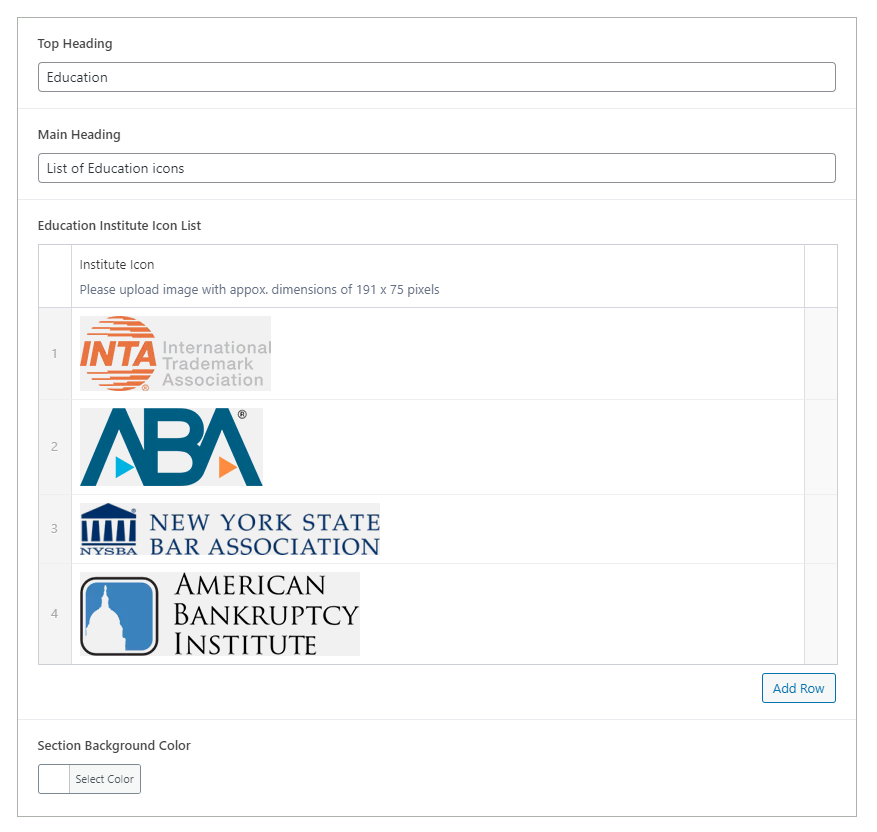
academic-credentials-backend

4. Review and Publish:

  • After adding the academic history details and customizing the background color, review the section to ensure it is clear and well-organized.
  • Once satisfied, click ‘Publish‘ to make the Academic History section live on your page.
academic-credentials-design

By following these steps, you can effectively use the custom Academic History block to present the educational backgrounds of your attorneys, enhancing the credibility and professionalism of your firm.

Did this answer your question?