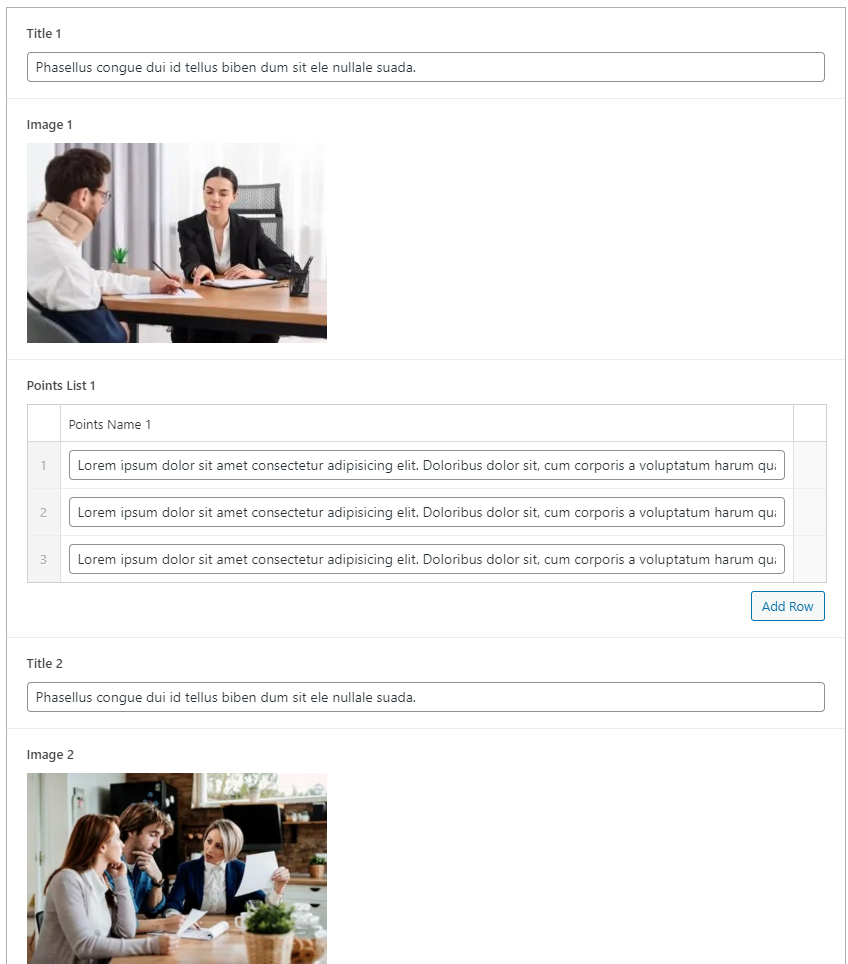
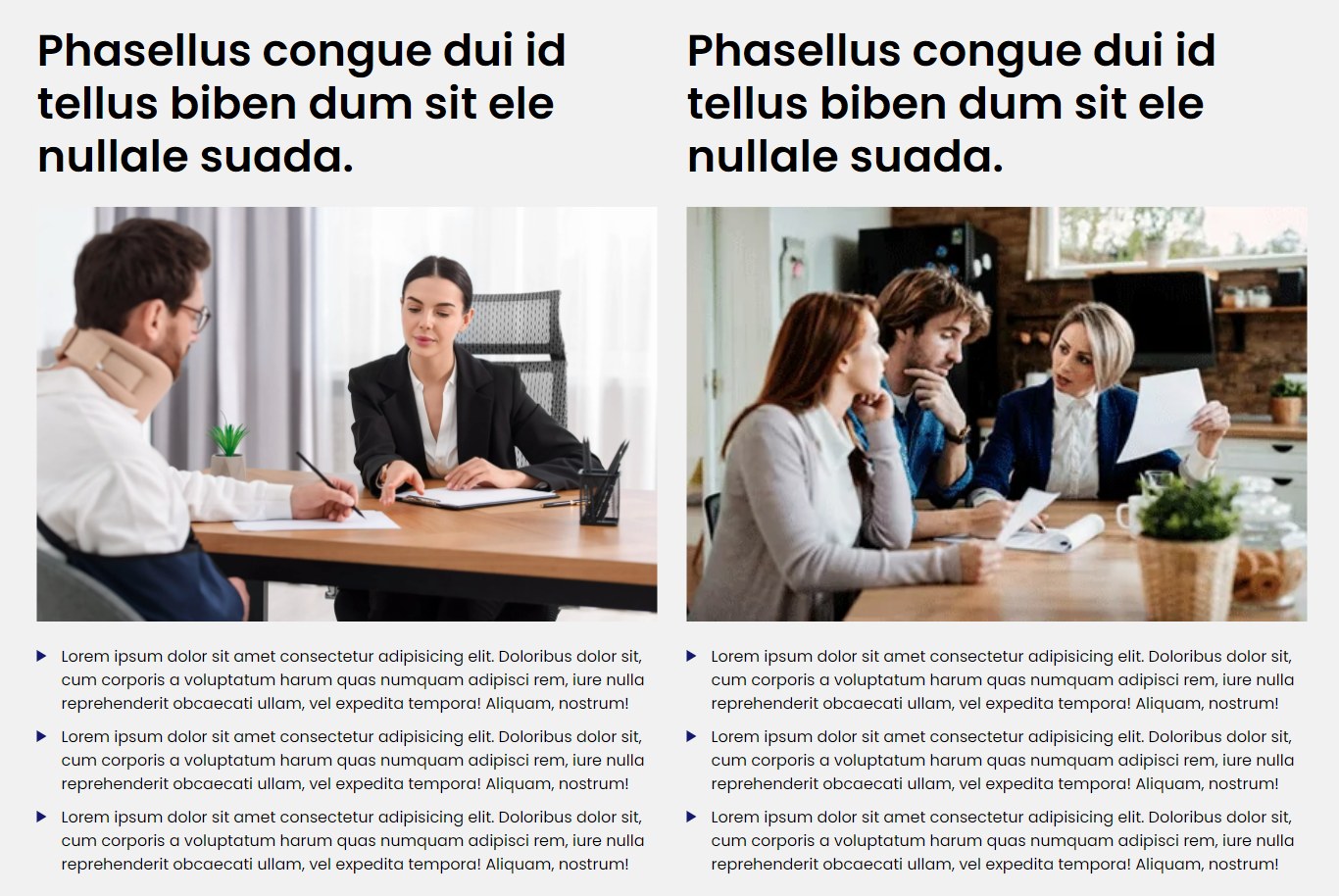
The Eminent Law Theme includes a Case Compare section, designed to present a detailed comparison of case details from the perspectives of both your client and the opposing party. This section is ideal for showcasing how your firm successfully navigates and resolves complex legal disputes.
2. Add Details for Your Client and the Opposing Party:
For Your Client, you can add:
- Title: A title that represents your client’s position or key aspect of the case.
- Image: Upload an image related to your client or their side of the case.
- Points List: Provide a detailed description outlining your client’s point of view (POV), their role in the case, and any relevant details.
For The Opposing Party, you can add:
- Title: A title that represents the opposing party’s position or key aspect of the case.
- Image: Upload an image related to the opposing party or their side of the case.
- Points List: Provide a detailed description outlining the opposing party’s POV, their role in the case, and any relevant details.
- Select a background color for the main section that complements the rest of your site’s design.
By following these steps, you can effectively use the custom Case Compare block to highlight the differing perspectives in a legal case, demonstrating your firm’s expertise in managing and resolving complex disputes.
Did this answer your question?