Location List Section

Location List Section

The Eminent Law Theme includes a Location List section, designed to showcase the different offices or locations of your firm. This section allows you to present a list of locations with clear headings, making it easy for visitors to find your firm’s various offices.
Steps to Add the Location List Section:

1. Add the Custom Location Block and Enter Content:

  • From the WordPress dashboard, go to ‘Pages‘ and select the page where you want to add the Location List section or click ‘Add New‘ to create a new page.
  • In the page editor, click the ‘+‘ icon to add a new block, search for the “Location” block, and select it.
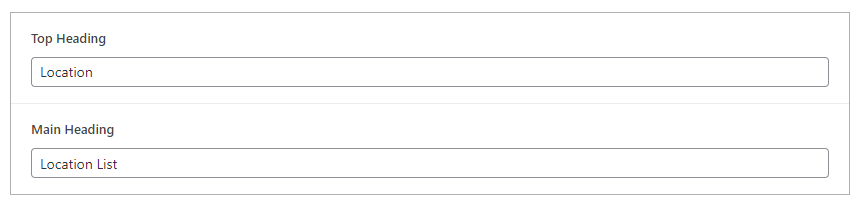
  • Inside the location list, you can add:
    1. Top Heading: A brief heading that introduces the location section.
    2. Main Heading: The main heading that provides a clear title for the location list.
location-list-backend

2. Add New Locations:

  • If you need to create new locations, follow the same process as adding a new location from the dashboard. This typically involves navigating to the appropriate post type or section in the dashboard, clicking ‘Add New‘, and entering the necessary details such as the location name, address, and any additional information.

3. Review and Publish:

  • After adding the locations and customizing the headings, review the section to ensure it is well-organized and provides clear information.
  • Once satisfied, click ‘Publish‘ to make the Location section live on your page.
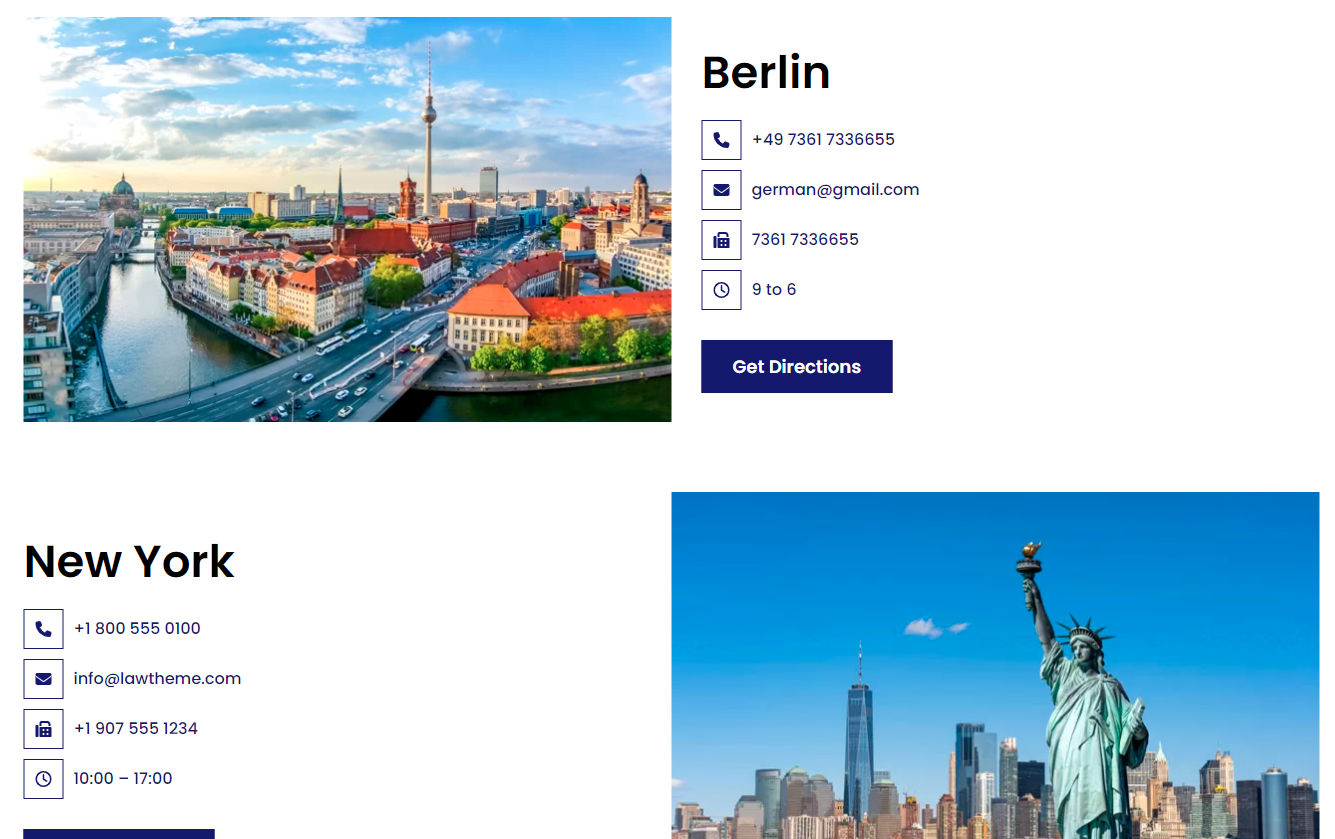
location-list-design

By following these steps, you can effectively use the custom Location block to present all your firm’s locations in a structured and accessible manner, helping visitors easily find the nearest office.

Did this answer your question?