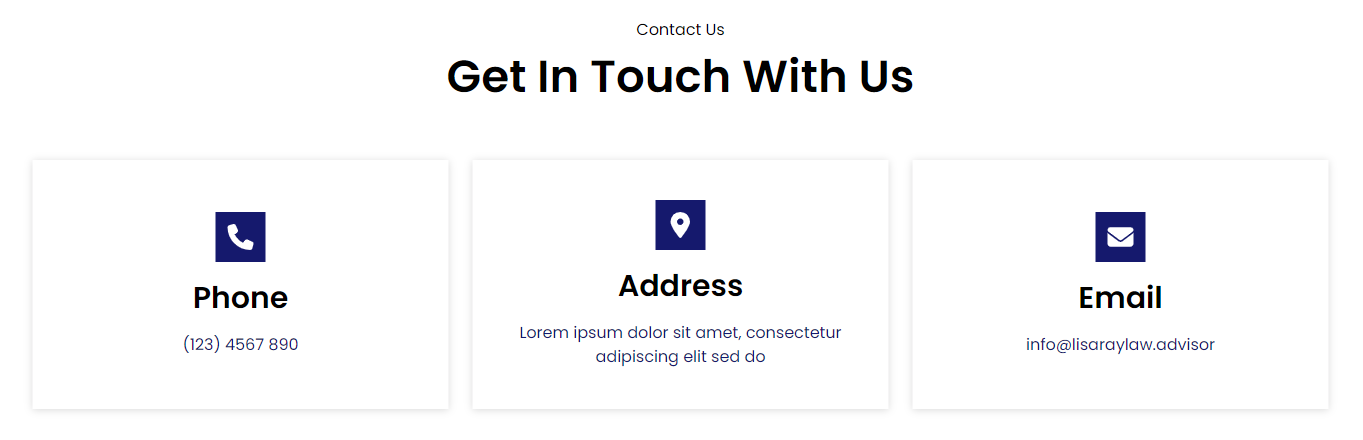
Contact Info Section

Contact Info Section

The Eminent Law Theme includes a dedicated Contact Info section, designed to provide essential contact details for your firm. This section is customizable, allowing you to display key information like phone numbers, addresses, and email addresses, making it easy for clients to reach out.

Steps to Add the Contact Info Section:

1. Add the Custom Contact Info Block and Enter Content:

  • From the WordPress dashboard, go to ‘Pages‘ and select the page where you want to add the Contact Info section or click ‘Add New‘ to create a new page.
  • In the page editor, click the ‘+‘ icon to add a new block, search for the “Contact Info” block, and select it.
  • Enter a heading and the main heading for the Contact Info section to give it a clear and concise title.

2. Customize the Contact Info List:

Inside the Contact Info list, you can add various contact details, such as:
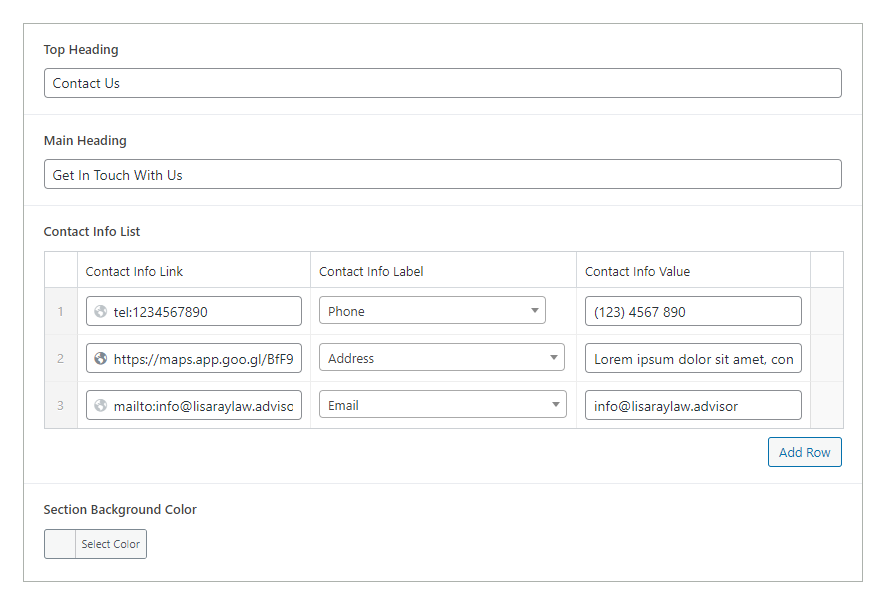
  • Phone Number: Add the phone number(s) where clients can reach your firm.
  • Address: Include the physical address of your office location(s).
  • Email: Provide the email address(es) for direct communication.
contact-info-backend

3. Review and Publish:

  • After entering all the contact details, review the section to ensure it is accurate and visually cohesive.
  • Once satisfied, click ‘Publish‘ to make the Contact Info section live on your page.
contact-info-design

By following these steps, you can use the custom Contact Info block to provide clear and accessible contact details for your firm, enhancing communication and making it easier for clients to get in touch.

Did this answer your question?