Popular guides:

Google Maps
The Eminent Law Theme also offers a straightforward approach to integrating Google Maps into your website, providing visitors with easy access to your location. You can add Google Maps to your page using two different methods: Embedding an Iframe and Using the Google Maps API.
From the WordPress dashboard, go to ‘Pages‘ and select the page where you want to add the Google Maps section or click ‘Add New‘ to create a new page.
In the page editor, click the ‘+‘ icon to add a new block, search for the “Google Maps” block, and select it.
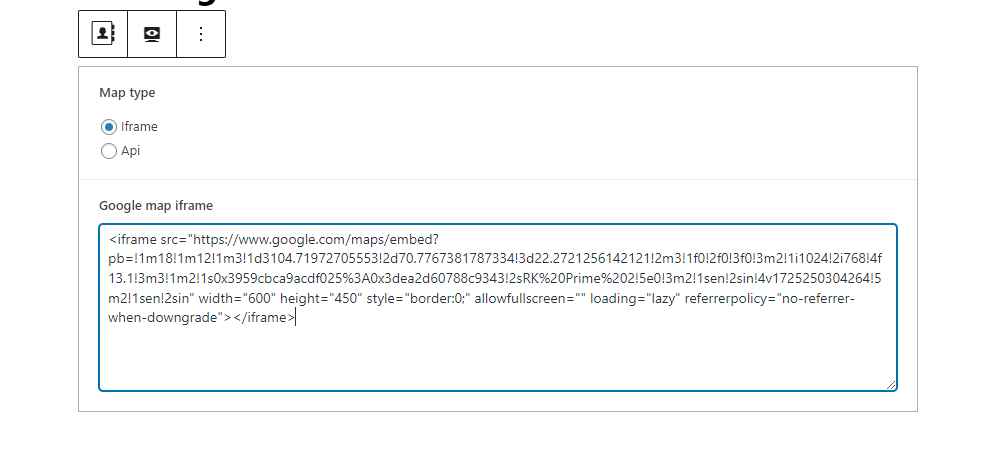
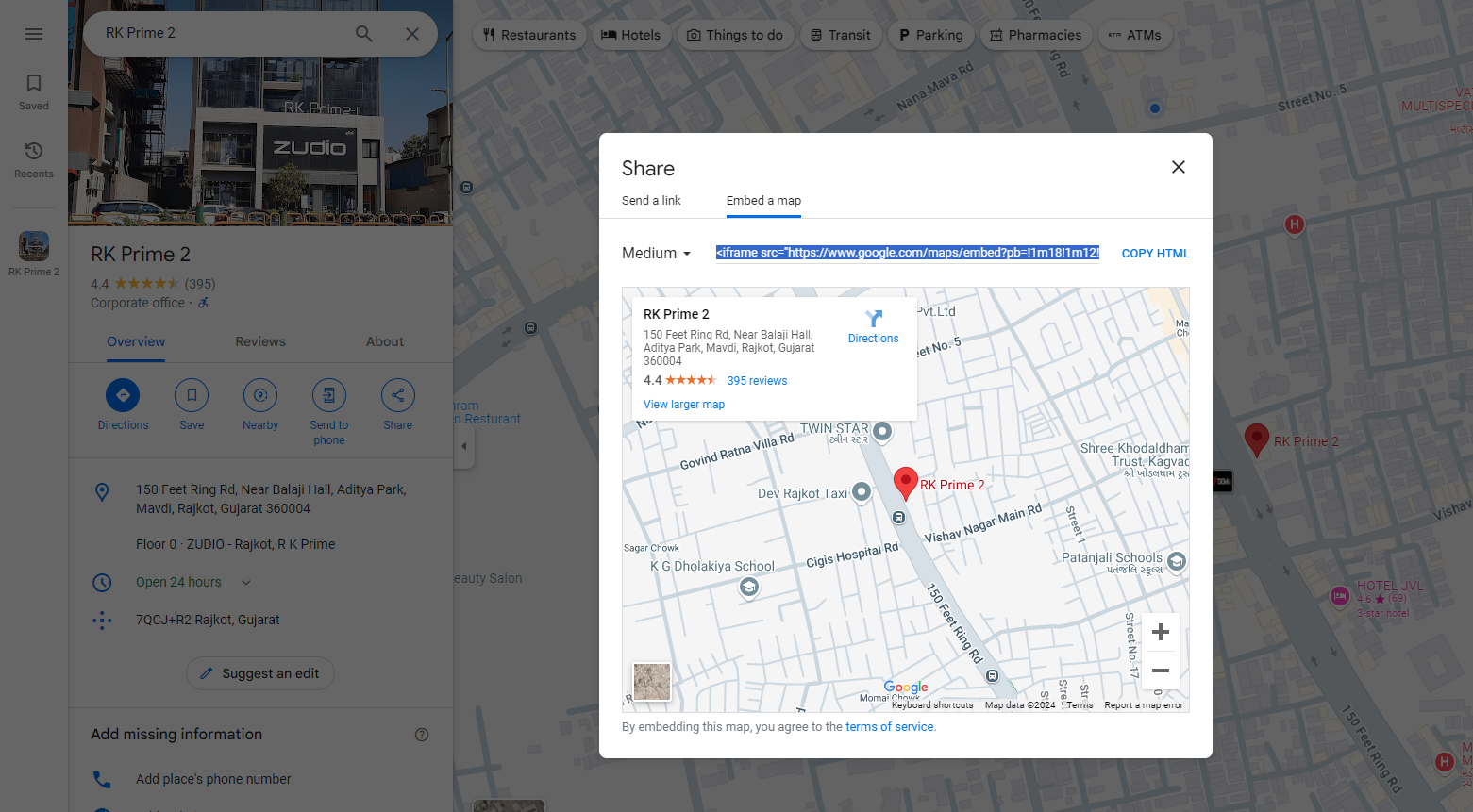
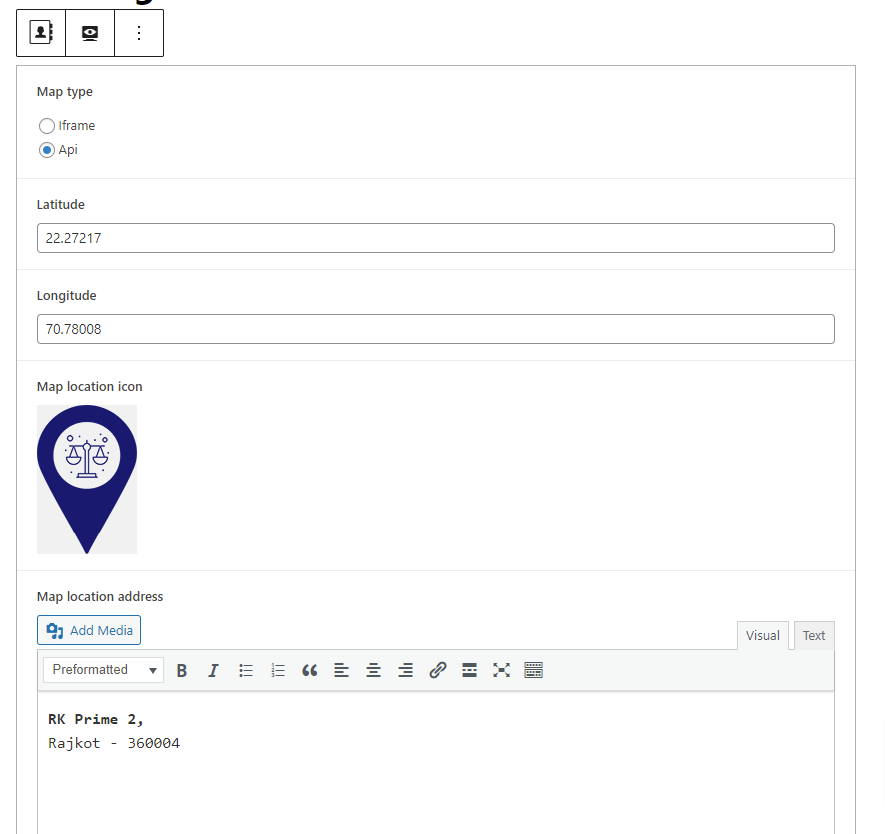
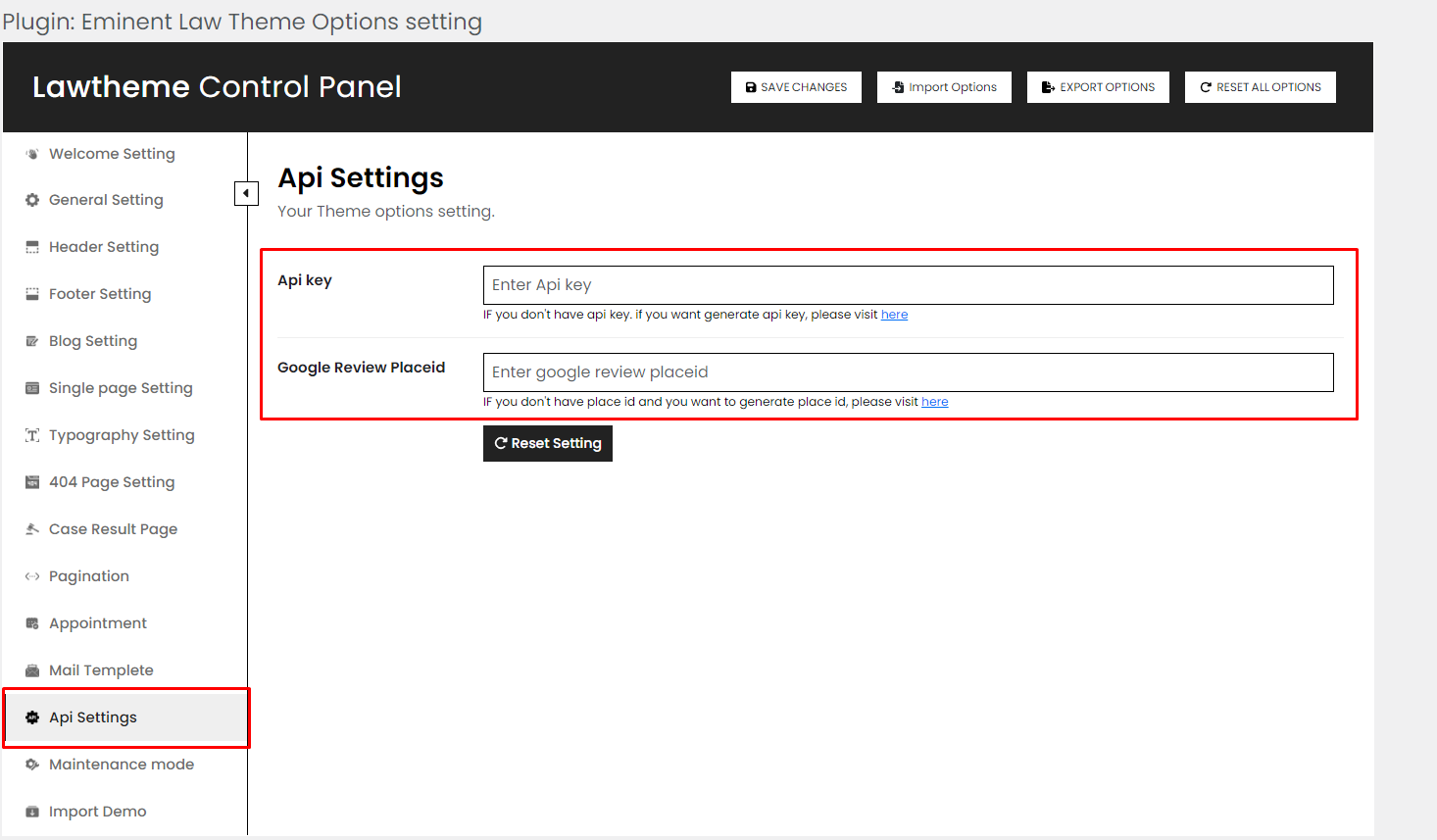
After entering the necessary details, click ‘Publish’ to make the map visible on your page.
The integrated map will be visible on the page as attached :