Popular guides:

Header Builder Menu filters
menu_item_with_sublists Filter to disable all submenu items for menus in the Header Builder.
Filter usage:
add_filter('menu_item_with_sublists', '__return_false');
Example:
Before using the filter – the submenu is shown
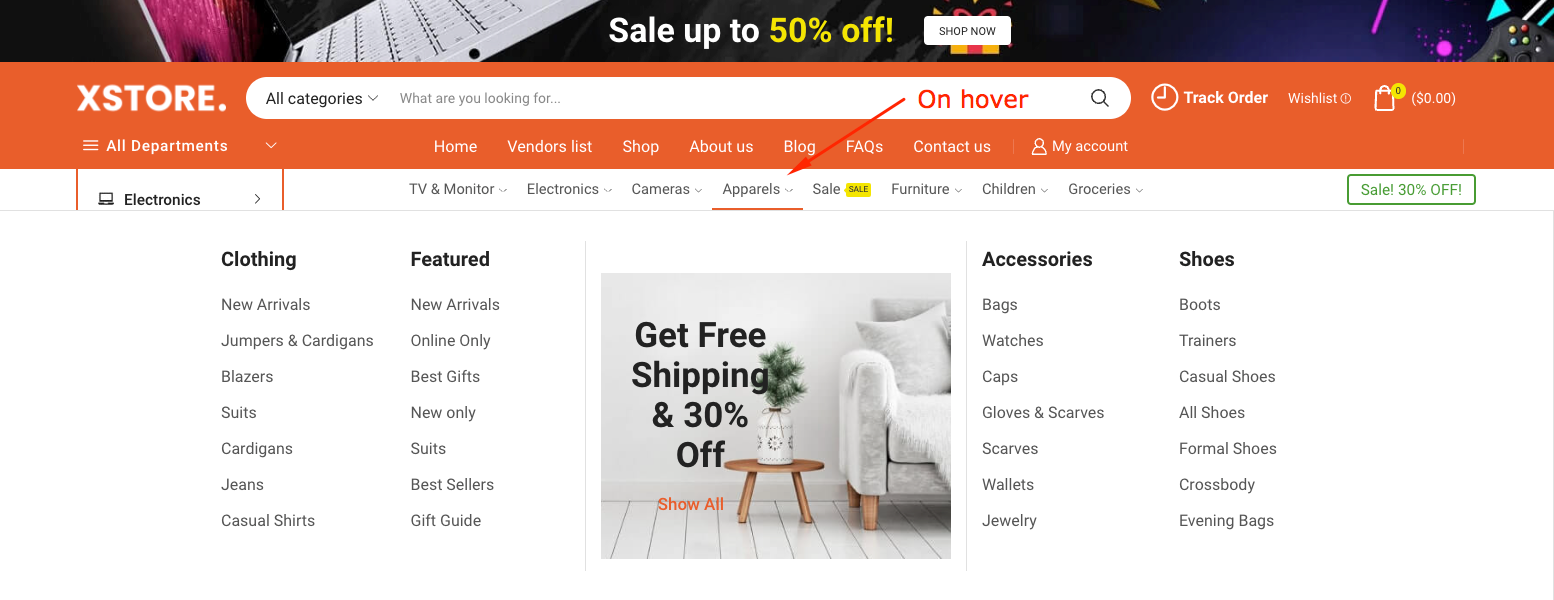
After using the filter – no submenu
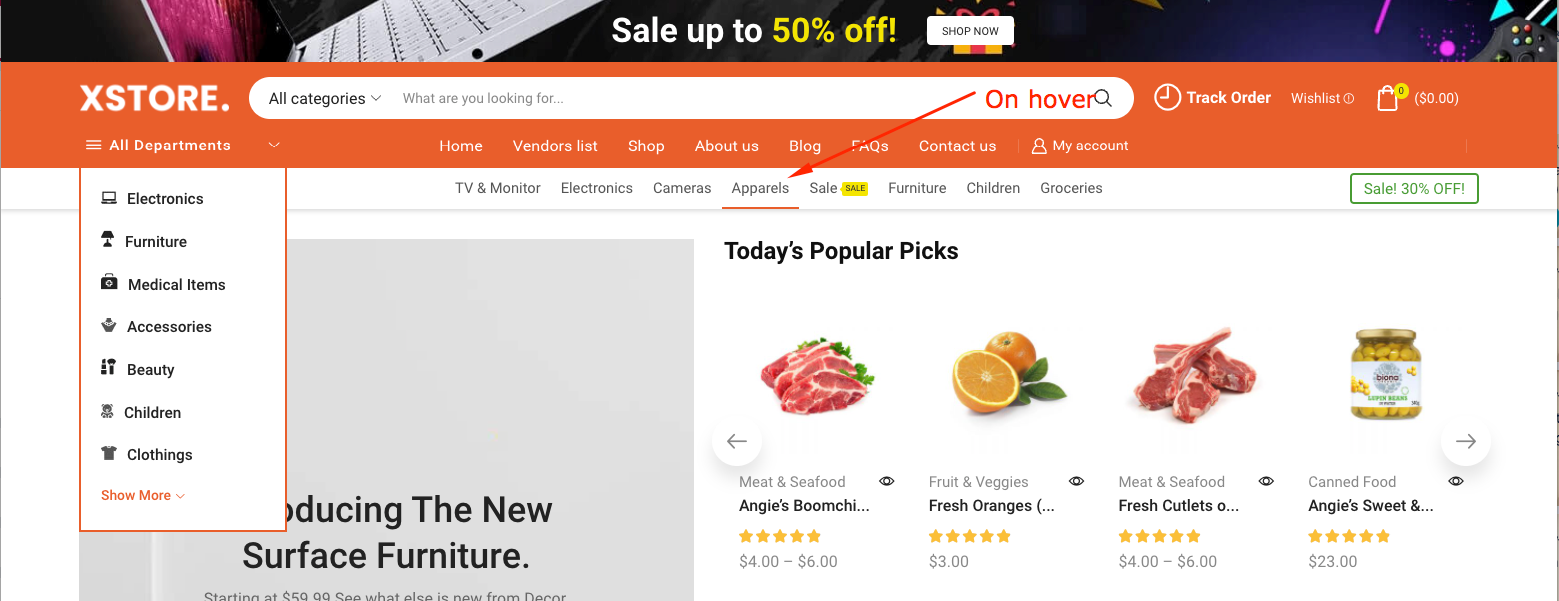
menu_item_dropdown_full_width Filter to make the first submenu full-width (for the menus in the Header Builder)
Filter usage:
add_filter('menu_item_dropdown_full_width', '__return_true');
Example:
Before using the filter –
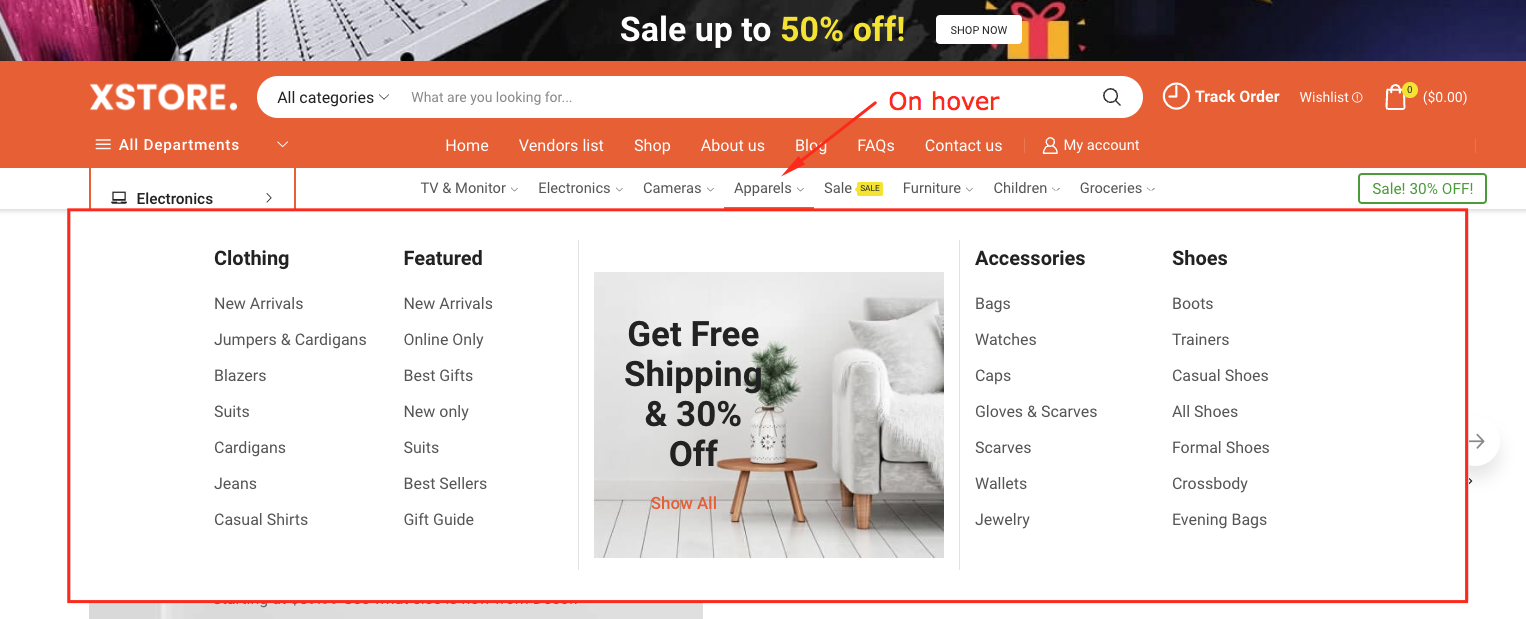
( submenu limited by settings of columns for item or container width –
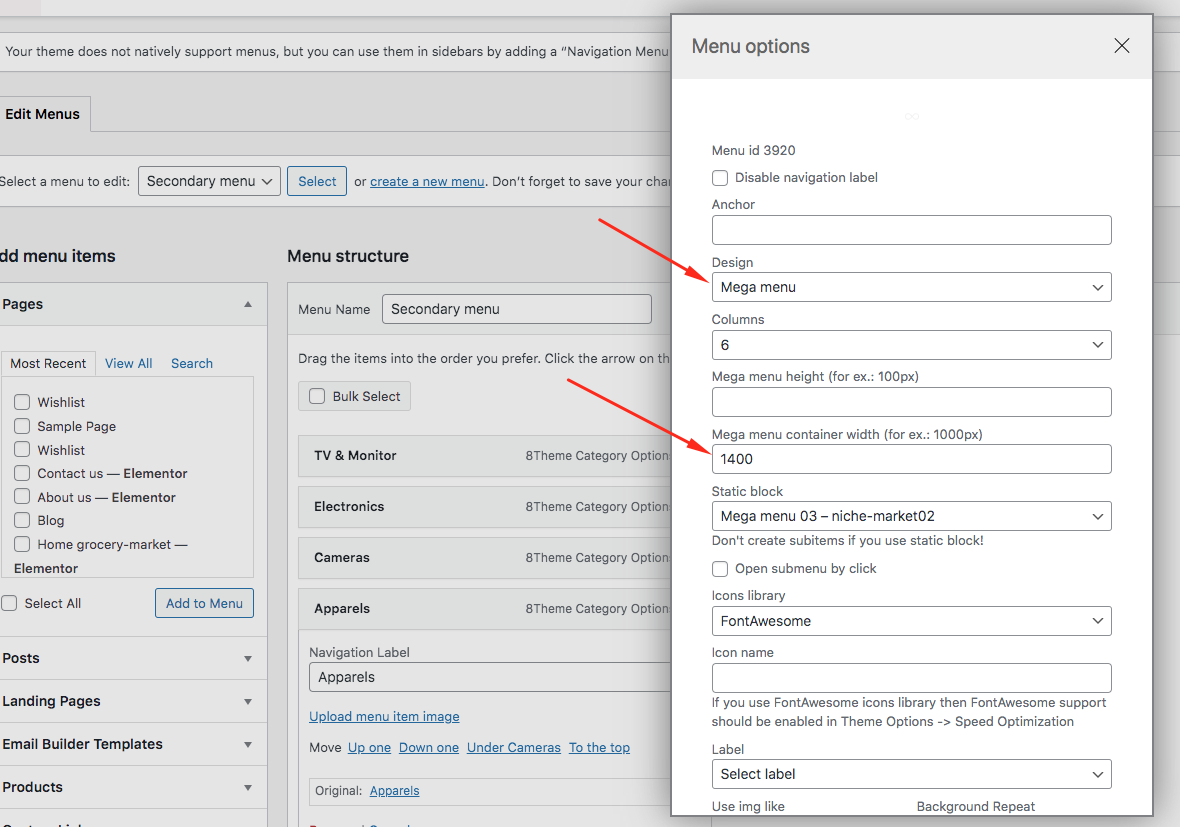
)
After using the filter –
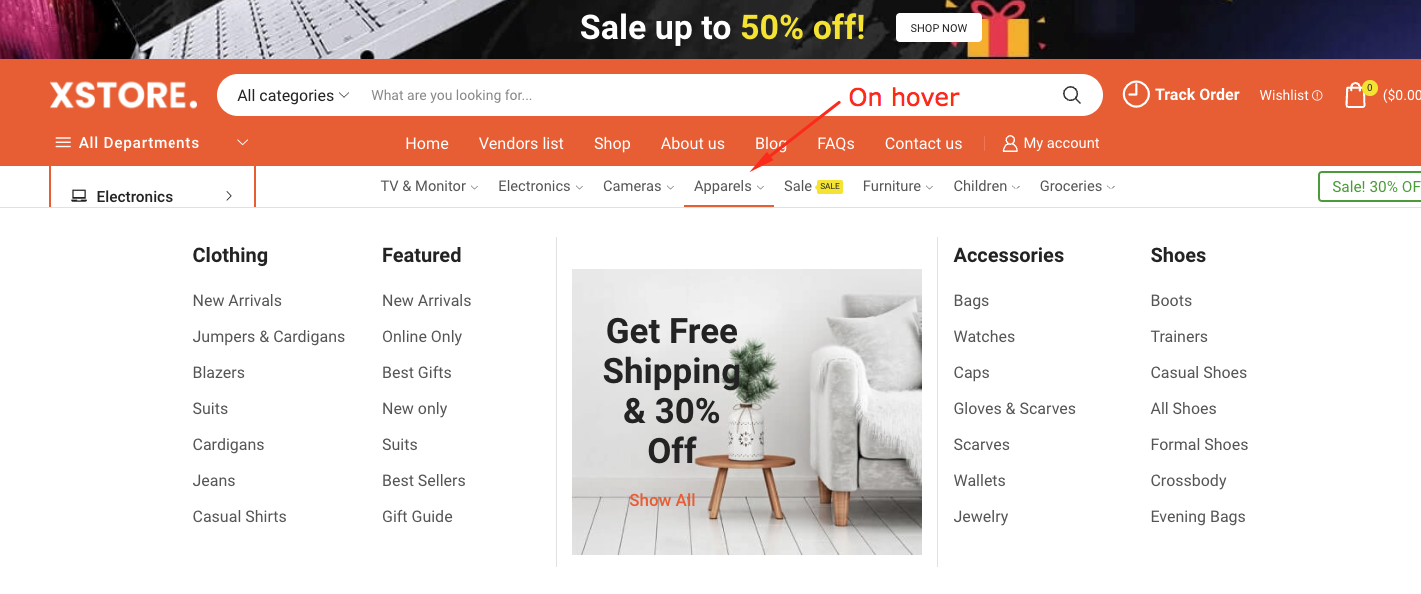
( submenu is stretched by window width )
menu_dropdown_ajax Filter to make submenus ajax loading (for menus in the Header Builder)
Filter usage:
add_filter('menu_dropdown_ajax', '__return_true');

Example:
Before using the filter –
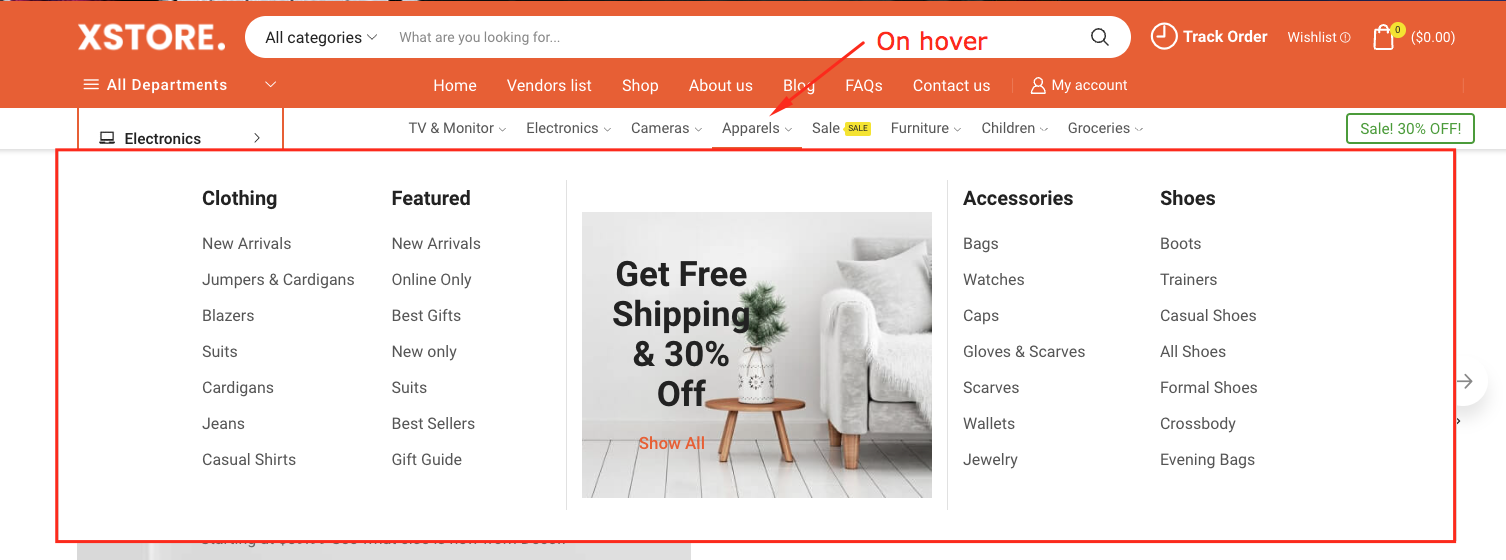
( submenu is loaded with page load )
After using the filter –
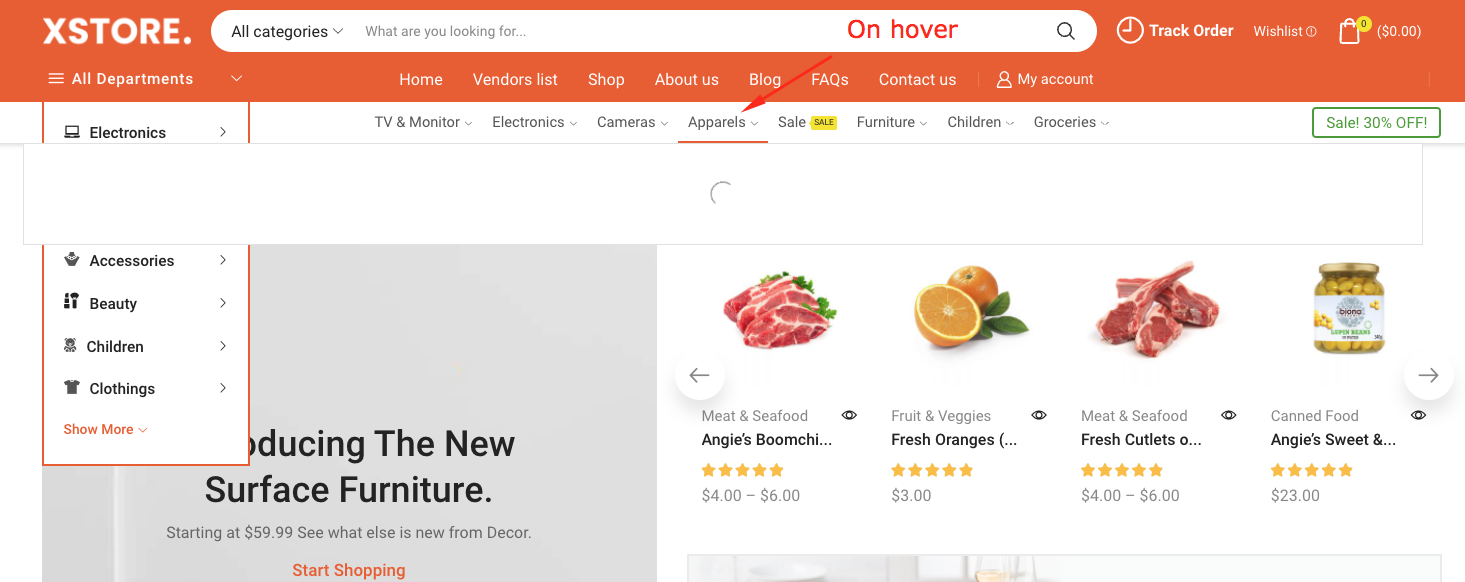
(no arrows are shown)