Popular guides:

Attorneys Page
The Eminent Law Theme also provides a streamlined process for creating and managing a list of attorneys, enhancing your law firm’s website by highlighting the expertise and profiles of your legal team.
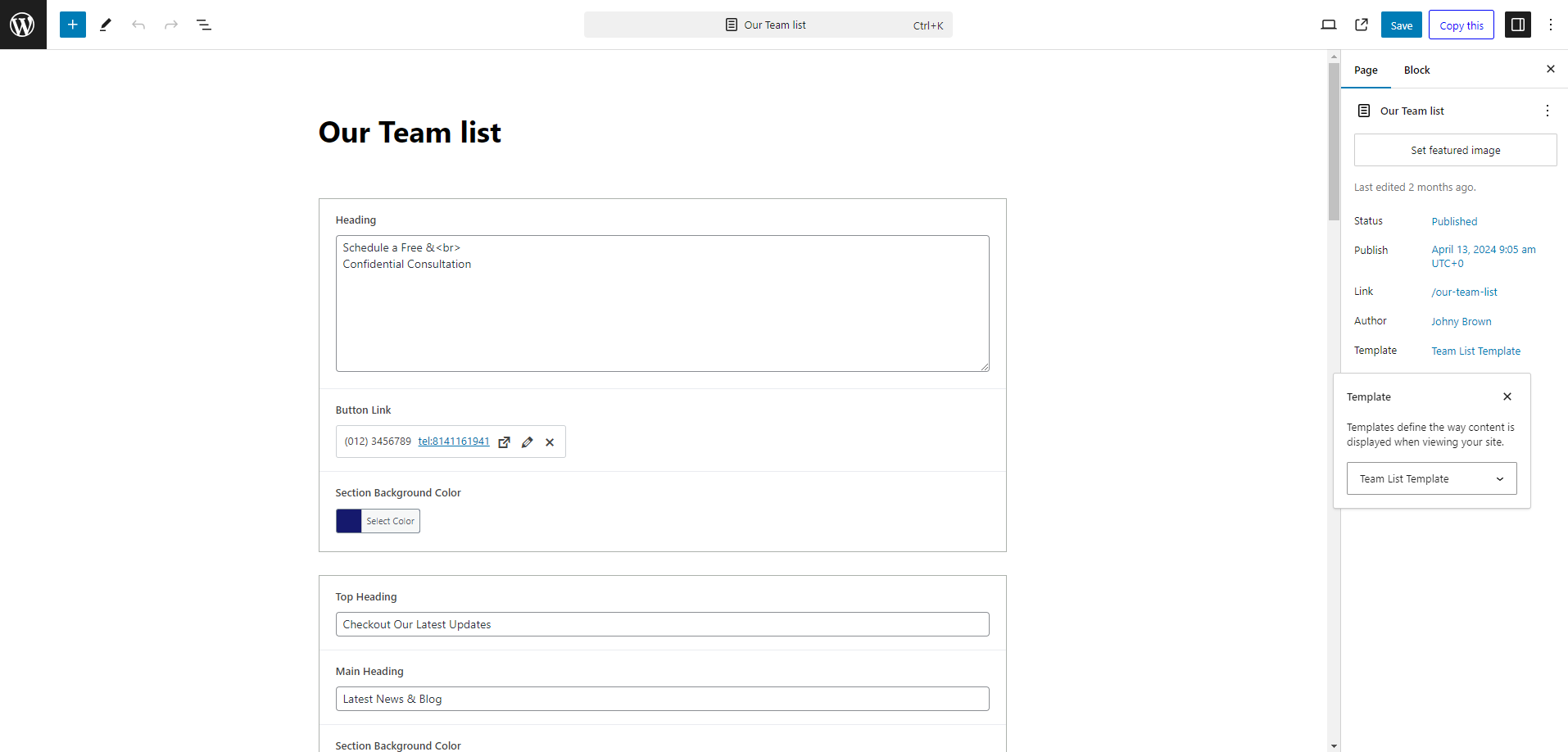
Navigate to ‘Pages’ from the dashboard menu and click on ‘Add New’ to create a new page creation.
In the page editor, find the ‘Page Attributes’ section. From the ‘Template’ dropdown menu, select the ‘Team List Template’. This selection configures your page with the appropriate layout to display your team of attorneys effectively. Once you’ve selected the template, you can personalize the page to fit your requirements. Utilize Gutenberg blocks to structure and populate your content thoughtfully.
To add a new attorney to your list, go to the ‘Dashboard’, select ‘Team’, and then click on ‘Add New’. Enter the relevant details such as selecting practice area, phone number, email address and more in the Attorney Profile sections and publish to feature it on your Attorneys Page.
After customizing your page to your liking, click ‘Publish’ to make your Attorneys page live.
By following these steps, you can effectively use the Eminent Law Theme to present your law firm’s attorneys, showcasing their qualifications and areas of specialization to potential clients.