Popular guides:

Main Theme Options
Eminent Law Theme is managed through the Eminent Law Theme Options and Eminent Law Theme Page Layout settings. Eminent Law Theme Options is located in Dashboard > Eminent Law Theme > Theme Options, where the settings are organized into logical tabbed sections. These are the global options for your website. If you want to set specific options for a specific page, post, or product, set them in Eminent Law Theme Layout settings, which have a higher priority and are located in every page/post/product.
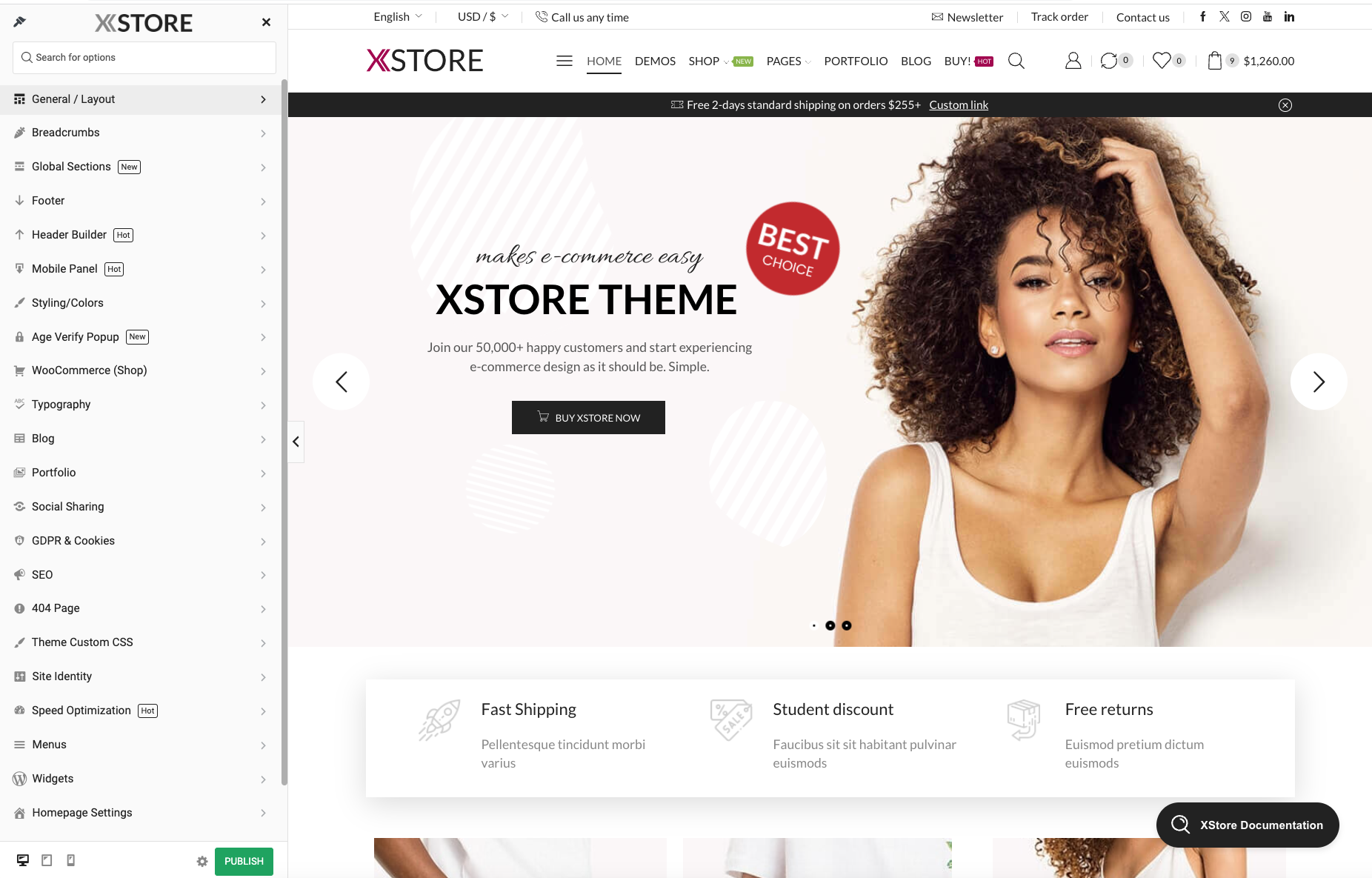
Old browser support: Enable this option if you have analytics report that your customers use the old browsers (Safari 9, IE 10) and you want to support them.
Optimize frontend CSS: This option loads the optimized eminent-law-theme.css file instead of 2 separate bootstrap.css and style.css files. If you created child theme before the 5.0 Eminent Law Theme version and functions.php file of the child theme includes the old code to enquire theme styles, e.g.
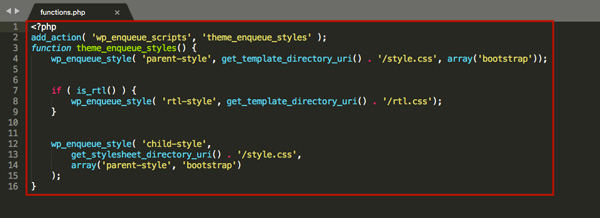
Then replace this code with the new one below to avoid problems after enabling this option
<?php
add_action( ‘wp_enqueue_scripts’, ‘theme_enqueue_styles’ );
function theme_enqueue_styles() {
	etheme_child_styles();
}
Masonry scripts: Turn on to load masonry scripts on every page. This option should be enabled if you plan to use Eminent Law Theme – Brands list, Eminent Law Theme – Product Looks WPBakery elements.
FontAwesome support: Running FontAwesome scripts and styles needed to work for some elements that use those icons, e.g. menu subitem icons.
Menu cache: Turn on for the menu to speeds up PHP execution time while lessening the load on the Database. The object cache is a way of automatically storing any data from the database (not just objects) in PHP memory to prevent unnecessary queries. Turn off this option if you don’t see changes on the Frontend while editing your menu.
Static Blocks cache: Turn on for the static blocks to speeds up PHP execution time while lessening the load on the Database. The object cache is a way of automatically storing any data from the database (not just objects) in PHP memory to prevent unnecessary queries.
Remove query strings from theme static resources: It’s cleaning out all the query strings from CSS and JavaScript files inside the HTML. Keep this option disabled if you use cache plugin that also includes this functionality.
Disable emoji: This option simply removes the extra JavaScript file that is used to add support for emojis in older browsers.